Get kazamOS
1. Download the ISO
You can download the full ISO (~3GB) or the parts (~800MB each) that can be reassembled locally.
2. Merge the parts
If you downloaded in parts, combine them into a single .iso image.
# Linux / macOS
cat kazamOS-part* > kazamOS.iso

# PowerShell
Get-Content kazamOS-part* |
  Set-Content kazamOS.iso
3. Flash to USB
Write the ISO to a USB drive using a tool like Rufus or balenaEtcher, or if you have Ventoy installed, just copy the file straight onto the drive.
Can I run it?
Minimum
Recommended
Looks the part.
kOS Theme
The core desktop theme for GTK applications.
kOS Kvantum Theme
Consistent styling for Qt-based applications via Kvantum.
Tela Circle Darcula
A flat, colorful icon theme (dracula variant)
Oreo Purple
Modern, playful purple cursor theme (more colors available from apt)
kazamOS Plymouth
Plymouth boot splash theme for kazamOS.
kazamOS Sounds
Sound effects that make your desktop feel more alive.
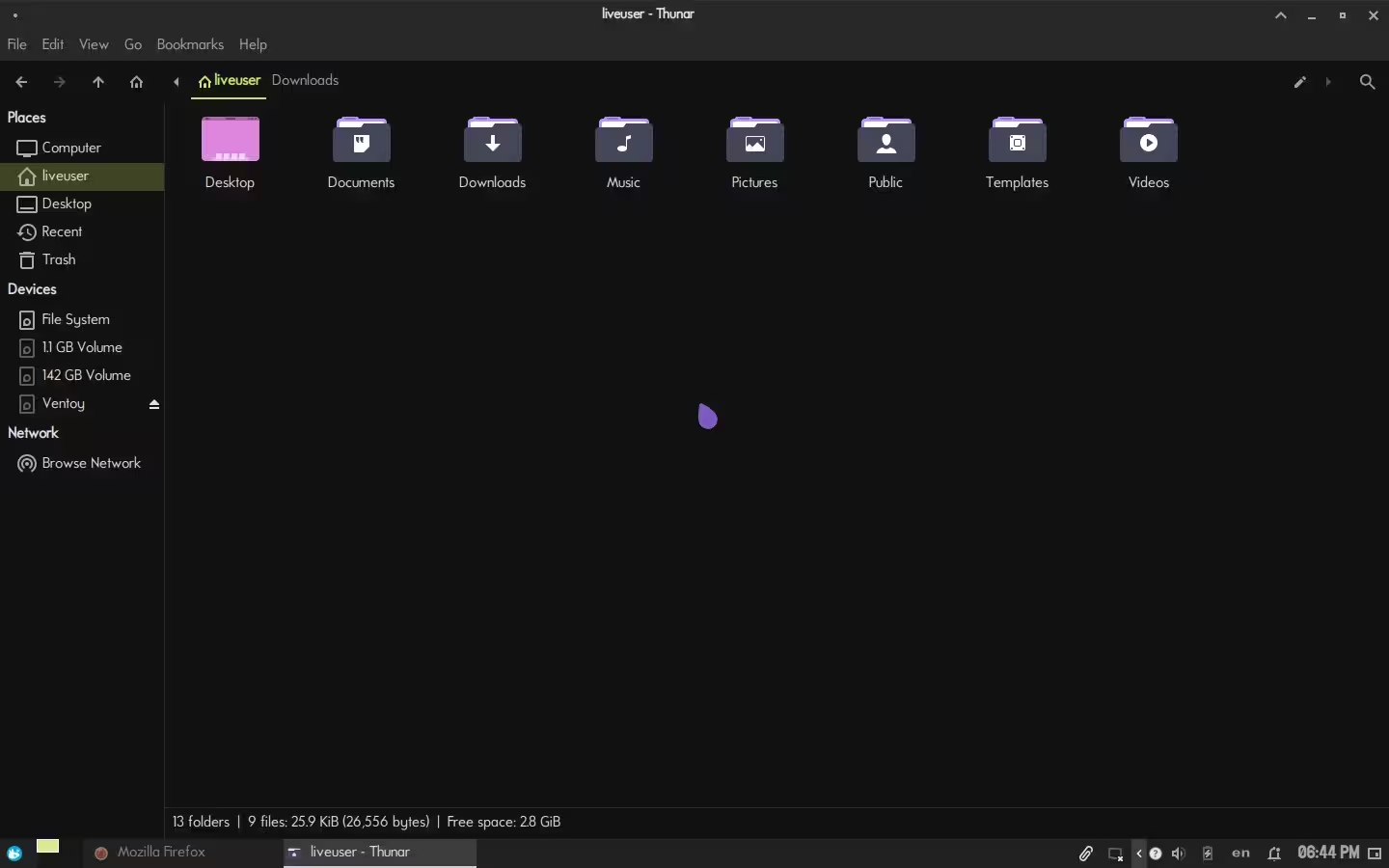
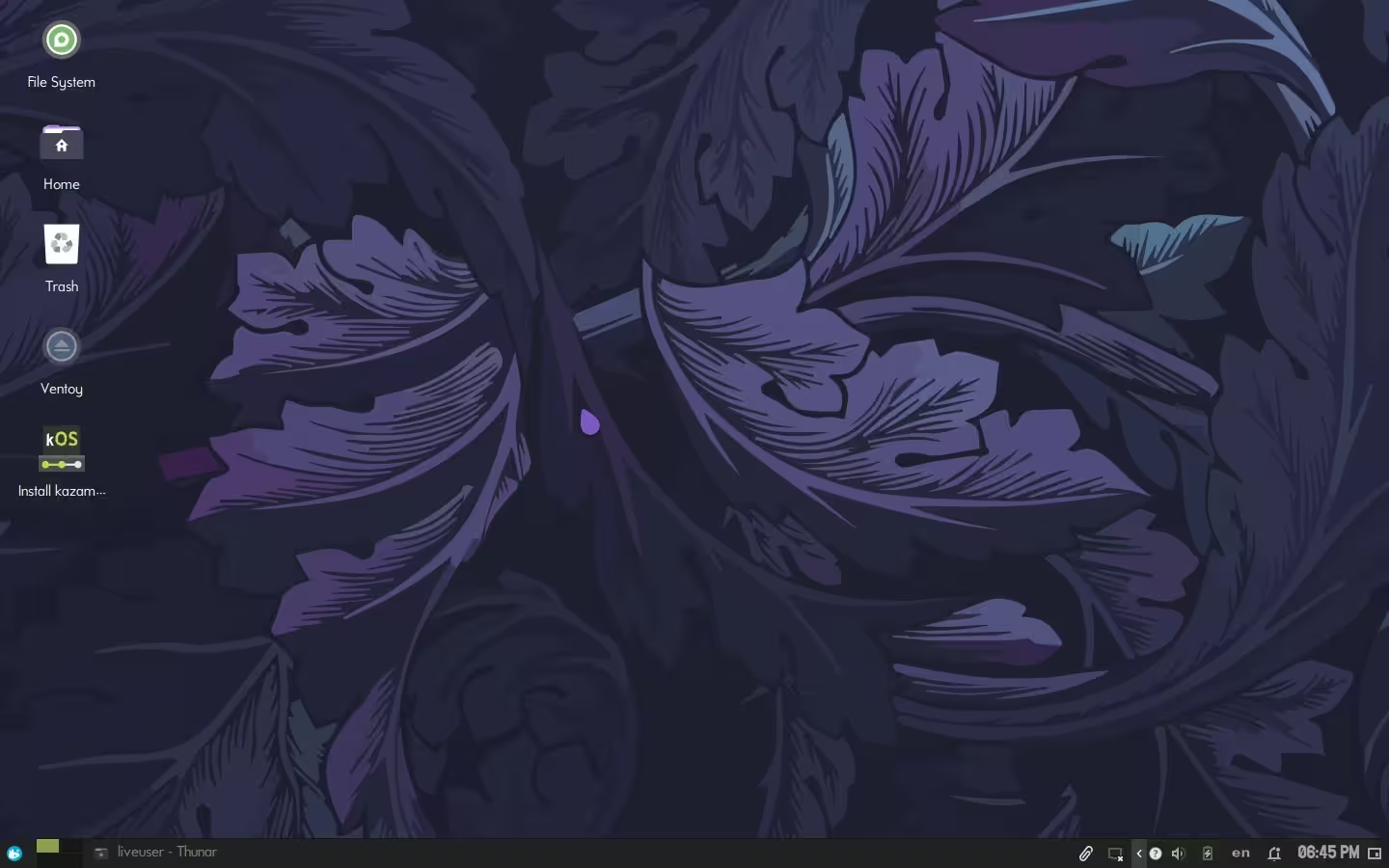
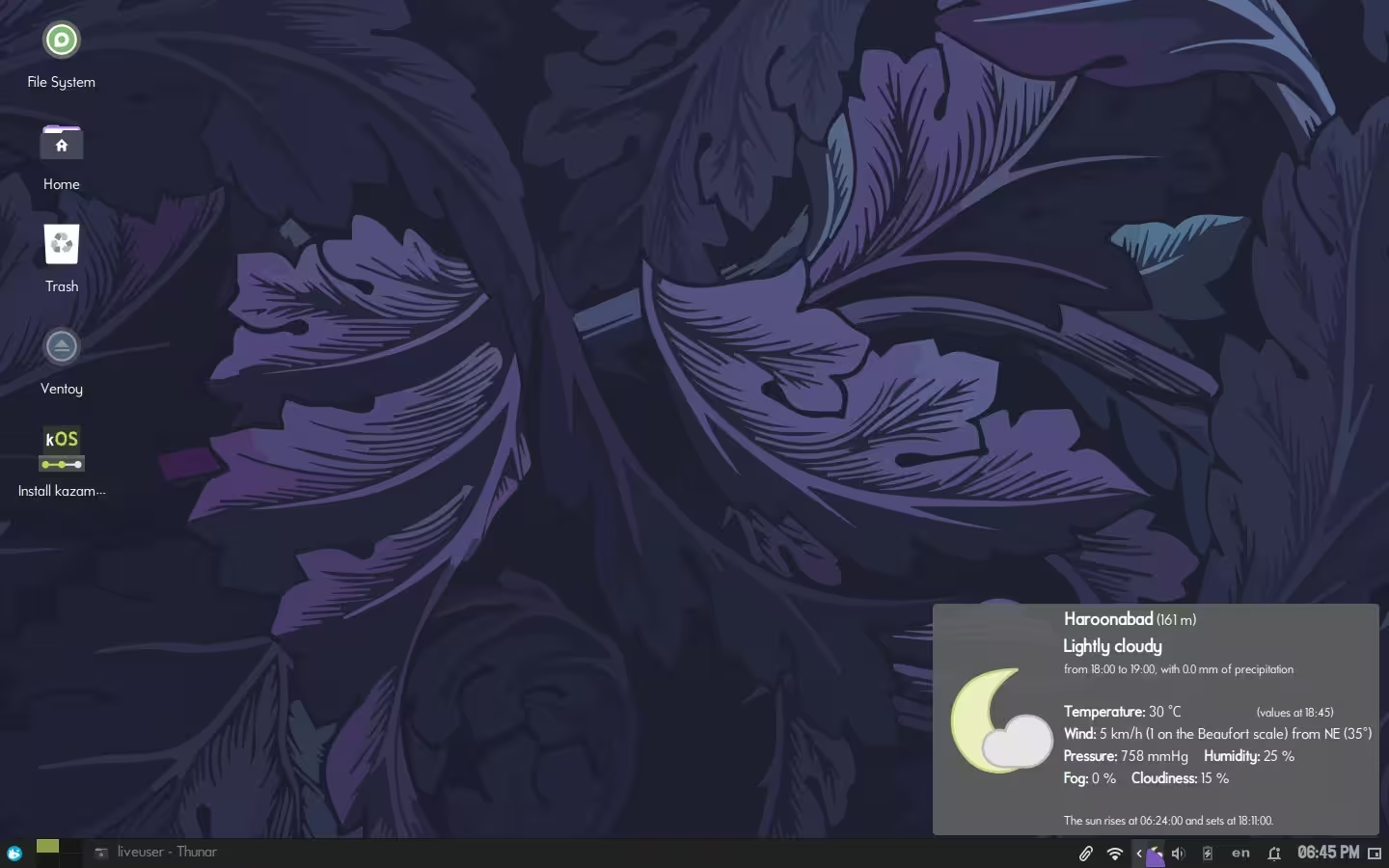
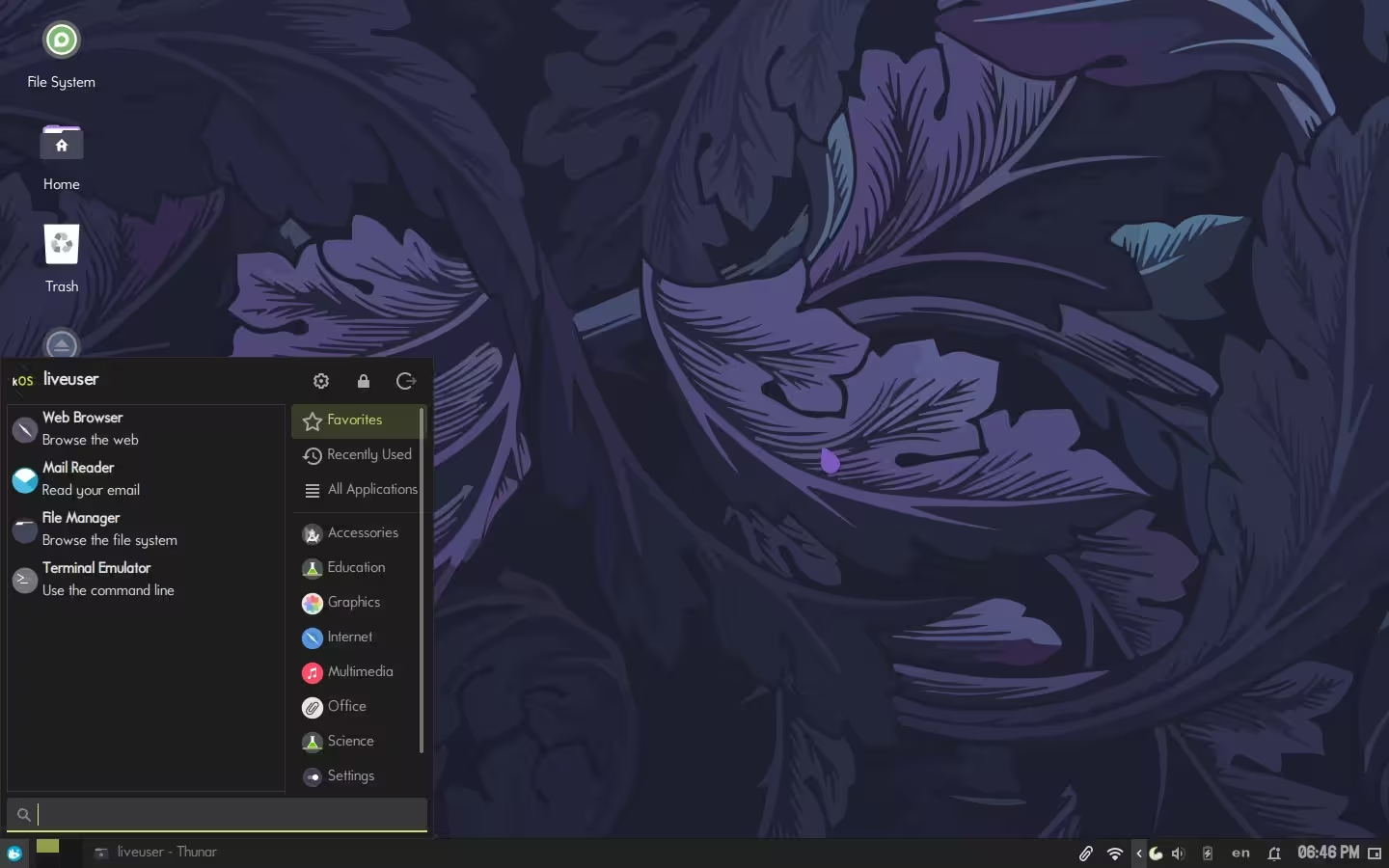
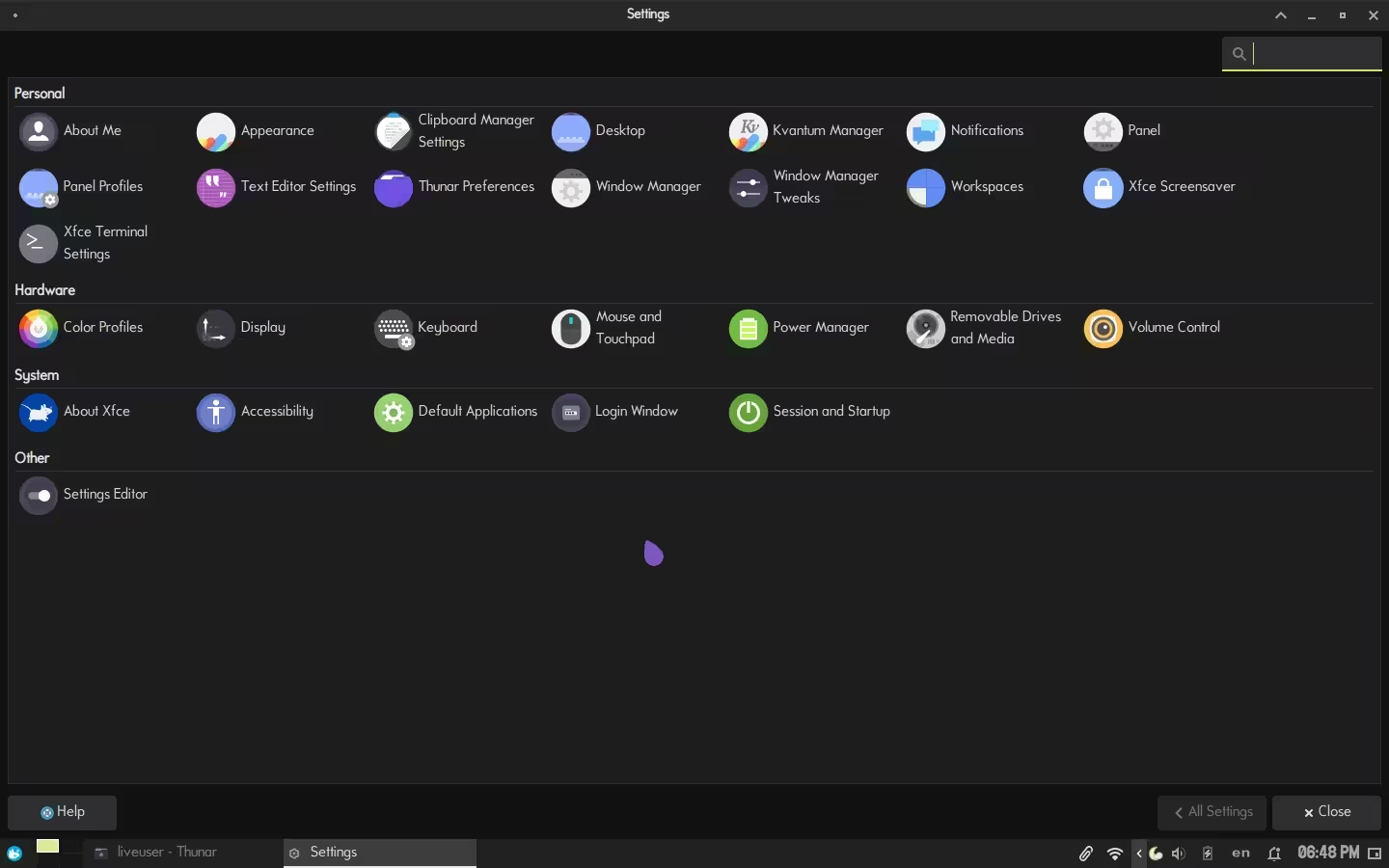
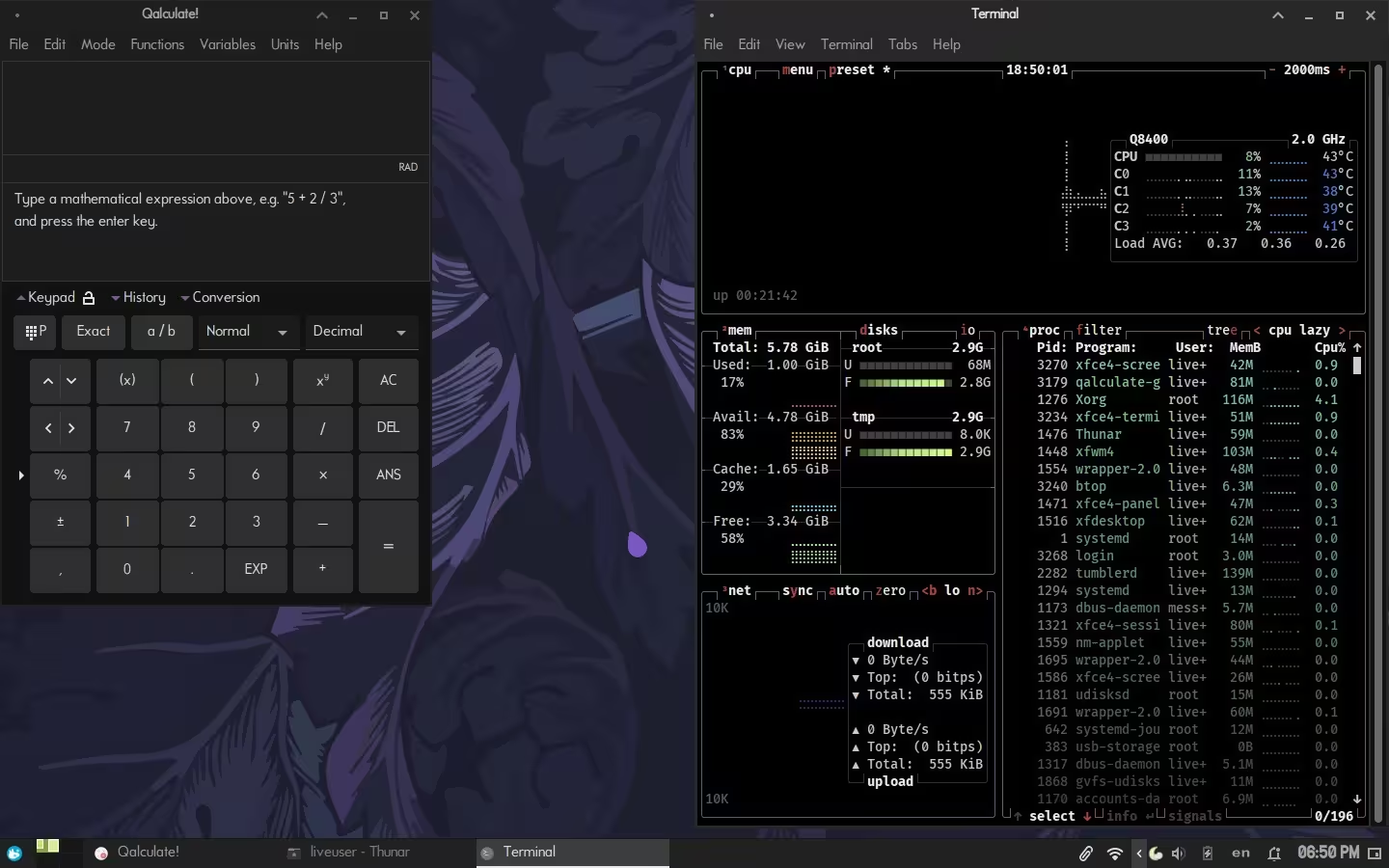
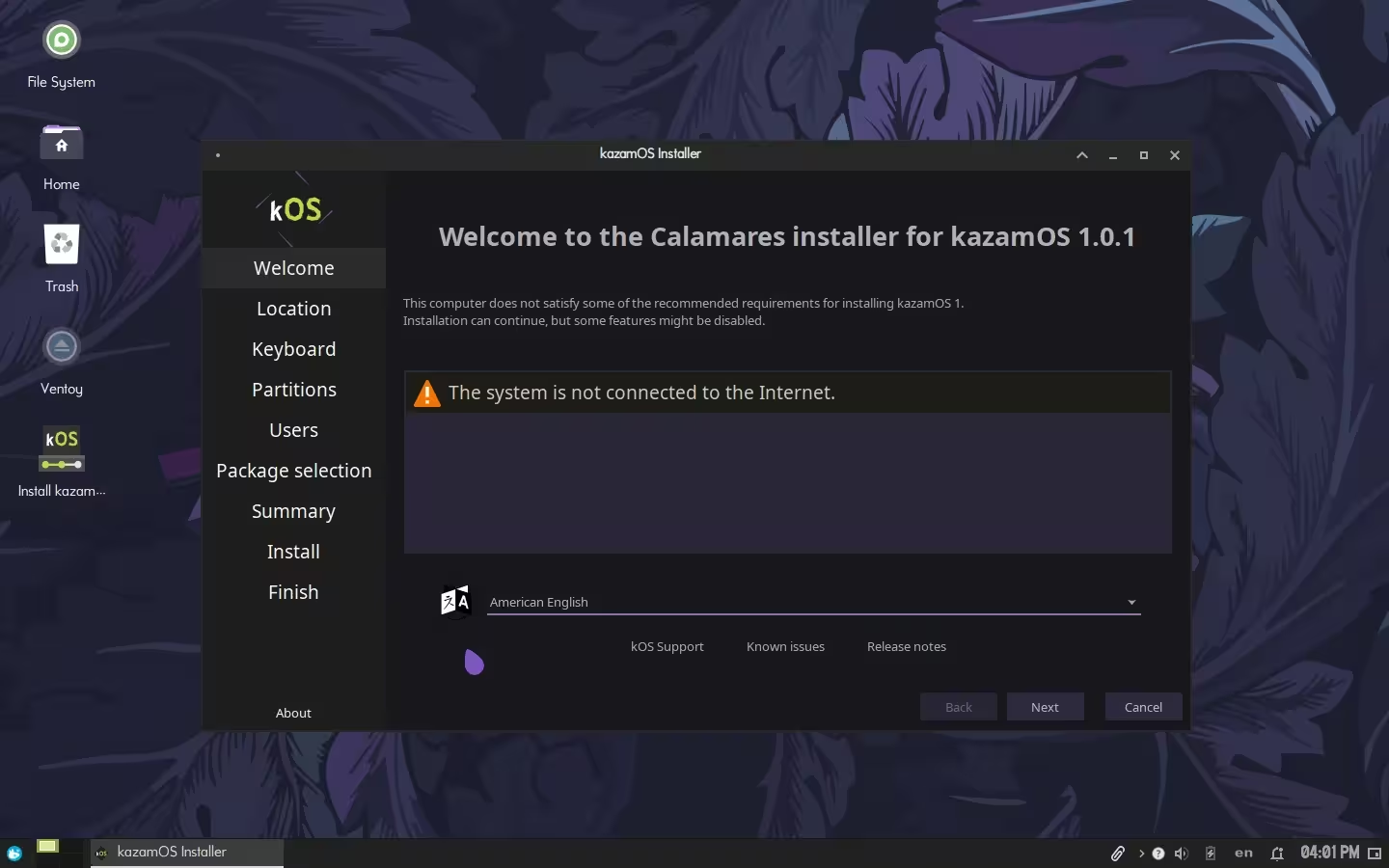
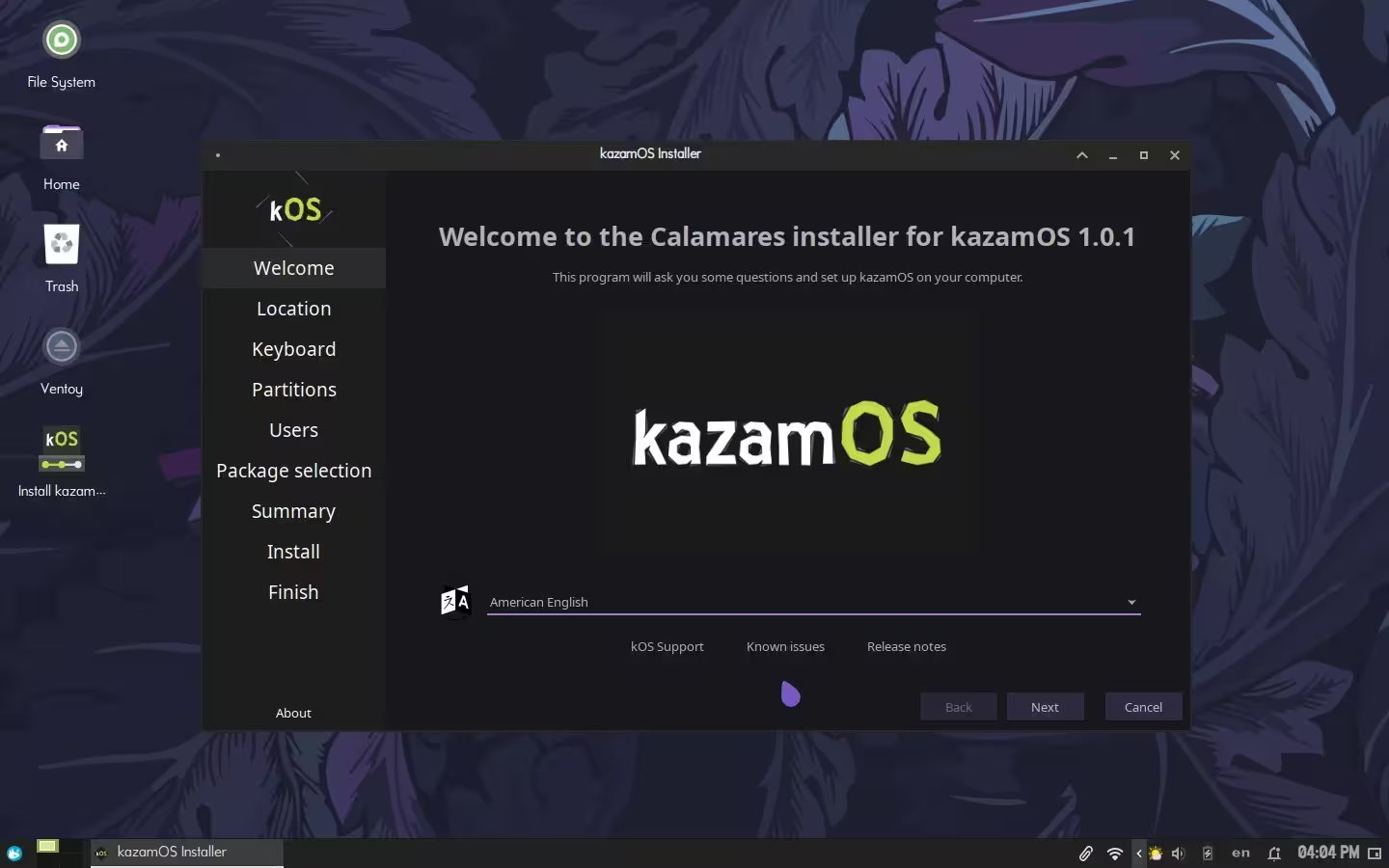
Have a look before downloading.
What's next.
Attributions.
| "Natural Canvas" | romainguy · CC0 1.0 |
| "Nature" | Balaji.B Photography · CC0 1.0 |
| "Purple flower" | Rene Mensen · CC BY 2.0 |
| "Purple phlox flower" | Picdrome Public Domain Pictures · CC0 1.0 |
| "Piano Remix.mp3" | cheesepuff · CC0 1.0 |
Don't see your name here? Contact
Support the project.
Interested in sponsoring kazamOS? Reach out through any of these channels.
| Discord | kazam0180 |
| Matrix | @the.watermelon:matrix.org |
kazam0180@proton.me |
kazamOS is a free, community-driven project. If you'd like to support ongoing development, hardware testing, and keeping the lights on — donations are very welcome.
Donate